

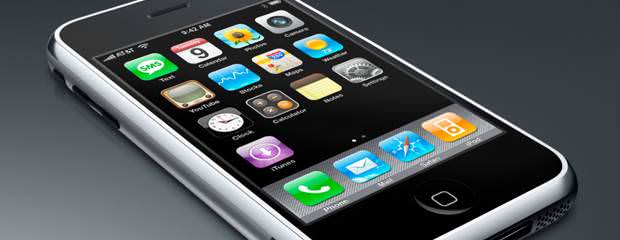
Apple's new iPods: what you need to know
The new iPod nano looks like something Dick Tracy would wear, the iPod shuffle was given its buttons back, and the iPod touch is even closer to being an iPhone 4 without the phone. (Sadly, the iPod classic was excluded from the upgrade party, although it remains - begrudgingly, it seems - in the iPod line-up.)
Yes, there's an omni-directional microphone on the back, next to the camera. But even with a built-in microphone, the touch still doesn't have a speaker just above the top of the display, where you would expect to find one on an iPhone - the speaker is found on the bottom of the iPod touch, to the left of the dock connector port (as you face the iPod's display). As a result, you won't be able to hold and speak into a new iPod touch like a traditional phone. But as with the previous iPod touch model, you can plug in a pair of headphones with a built-in mic and place phone over Wi-Fi calls with an app such as Skype. And because the iPod touch now has both a built-in microphone and speaker, it's possible that you'll be able to use a VOIP app to make 'speakerphone' calls that don't require a headset.
The iPod touch now includes a built-in microphone
Given that the iPod touch now includes a built-in microphone and speaker it would make sense for its headphones to include a microphone. Regrettably, not only do the included earbuds not offer a microphone, they also lack the play controls found on some Apple headphones. If you have Apple headphones that do include play controls and a microphone, they work with the new iPod touch.
- · Rackspace debuts OpenStack cloud servers
- · America's broadband adoption challenges
- · EPAM Systems Leverages the Cloud to Enhance Its Global Delivery Model With Nimbula Director
- · Telcom & Data intros emergency VOIP phones
- · Lorton Data Announces Partnership with Krengeltech Through A-Qua⢠Integration into DocuMailer